Wednesday, March 30, 2016

Project 04- Castle Matte Painting


DUE: 


Assignment Guidelines (on horizontal 11"x17" paper)-


Using the selection tools, adjustment tools, and Free Transform in Photoshop, create a convincing environment concept using a combination of the photo resources provided and any additional brush work.


Choose to base your castle environment from the choices below:

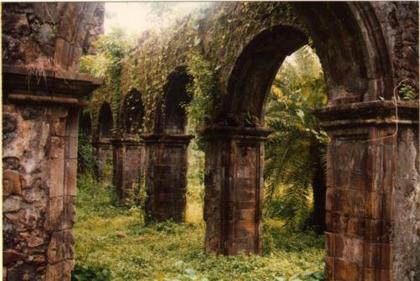
A. High Castle in the Mountains
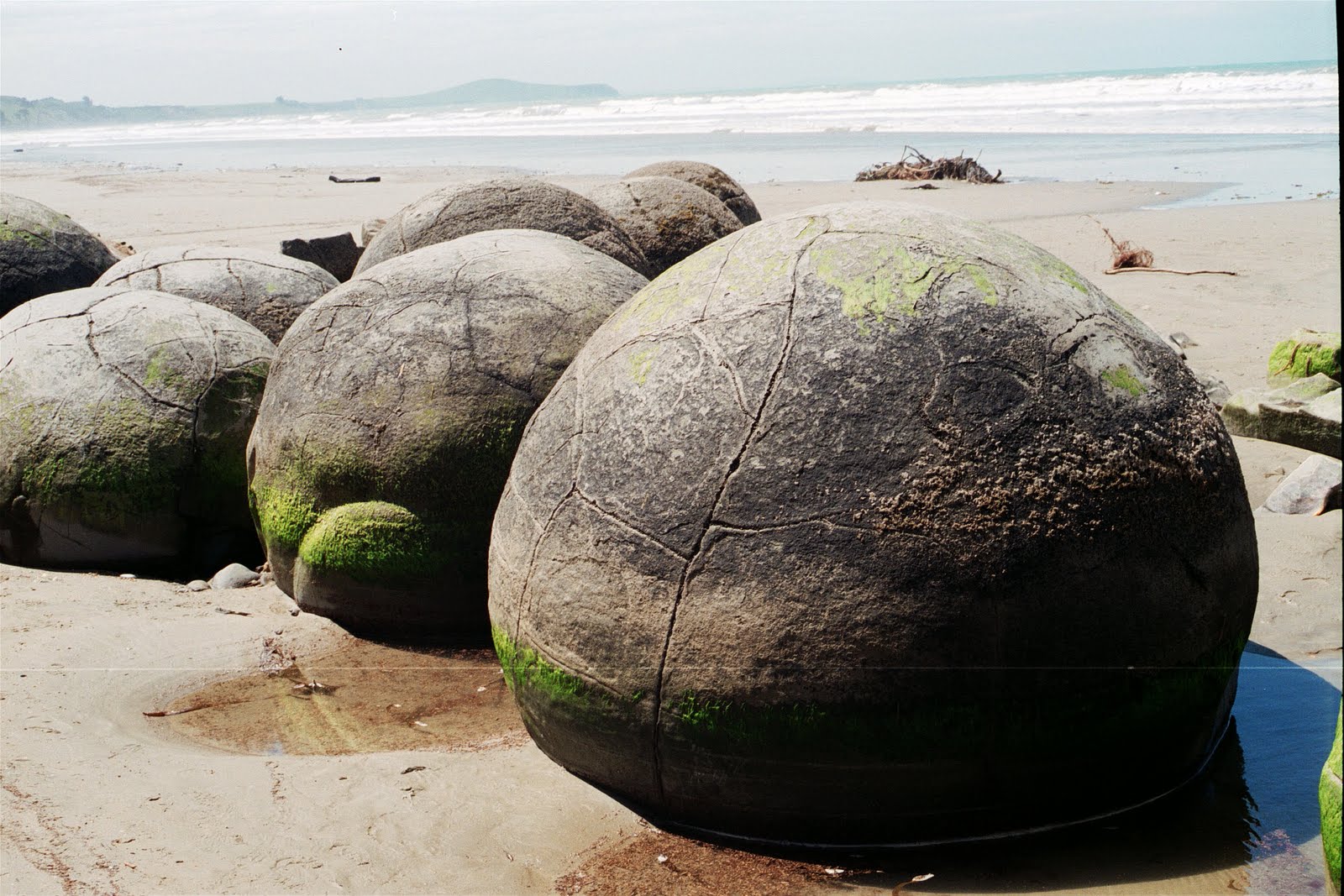
B. Castle By the Sea (Not Under the Sea) 


You must include:
  1. Use at least 10 different photo sources to create a new painting; 3 photos must be from the resources below
  2. At least 5 levels of depth: Extreme Foreground (XFG), Foreground (FG), Middleground (MG), Background (BG) and Extreme Background (XBG
  3. Castle concept as the main focal point in matte painting
  4. Use your understanding of atmospheric perspective to create convincing depth
  5. Inclusion of characters NOT recommended; however, any characters should be used more like props in the environment 


Wednesday, March 9, 2016

Project 03- Painting in Line Art Using Channels

DUE:


-Assignment Guidelines (on 11"x17" paper)-


1. Choose one of the following character line art and colorize, render, and texturize it using Channels in Photoshop. 

  • Using references, render 10 different surface materials within your character to reskin the design. The objective of this exercise is to become able to render any textured surface on to a more complex form. 
  • Make sure a consistent key light source and ground plane are present and interacting with the character.


Character Design Options 
(Download from Dropbox)


Examples


Monday, February 22, 2016

Project 02- Material Studies

DUE: 

LINK TO DROPBOX CLASS DEMOS

On 3 separate pages, paint the following 12 textures as spheres sharing the same light source and ground plane.

- Chrome
- Glossy Plastic
- Rock
- Stone

- Rusted Metal
- Stitched Brown Leather
- Clear Glass
- Polished White Marble

- Tree Bark
- Wood
- Short Hair Fur
- Scaled Reptile


Monday, February 8, 2016

Photoshop 101- Tutorials for the Basics

The following links are videos to watch to become more familiar with how to work within Adobe Photoshop (PS):


Finding References Online:
NEW - Searching Specifically Using Google Images
NEW - Saving Image for Web

Organizing Photos Using Adobe Bridge:
- Batch Renaming Tool

PS Preferences:
- "General" to "Scratch Disks"
- "Cursors" to "Experimental Features"

Basic Tools in PS:
- Creating a New File / Screen Modes
- Customizing Background Color of Screen Modes
- Photoshop User Interface (UI)

- PS Brushes (Part 1): Brush Basics
- PS Brushes (Part 2): Tool Presets

- Marquee Selection Tool
- Lasso Selection Tool
- Quick Selection / Magic Wand Tool
- Crop / Crop Perspective Tool
- Healing Brush Tools
- Clone Stamp Tool
- Dodge and Burn Tool

- Keyboard & Menu Shortcuts

- Levels

Using Quick Masking/Channels:
- Painting Selections
- Using Channels- Practical Exercise

Free Transform Tool:
- The Basics
- The Warp Tool

Basic Painting in PS:
- Pasting and Free Transform
- Selecting Colors with Layer Modes
- Coloring Line Art

Pen Tool / Painting with Paths:
NEW - Creating Paths w/ the Pen Tool
NEW - Fill, Stroke, Selection, Temporary Paths w/ the Pen Tool

Color Settings in PS:
- Color Settings

Printing in PS:
- Layout & Resolution
- Naming & Exporting

Creating/Editing Actions in PS:
- Planning & Recording an Action
- Editing & Adding Steps to Action